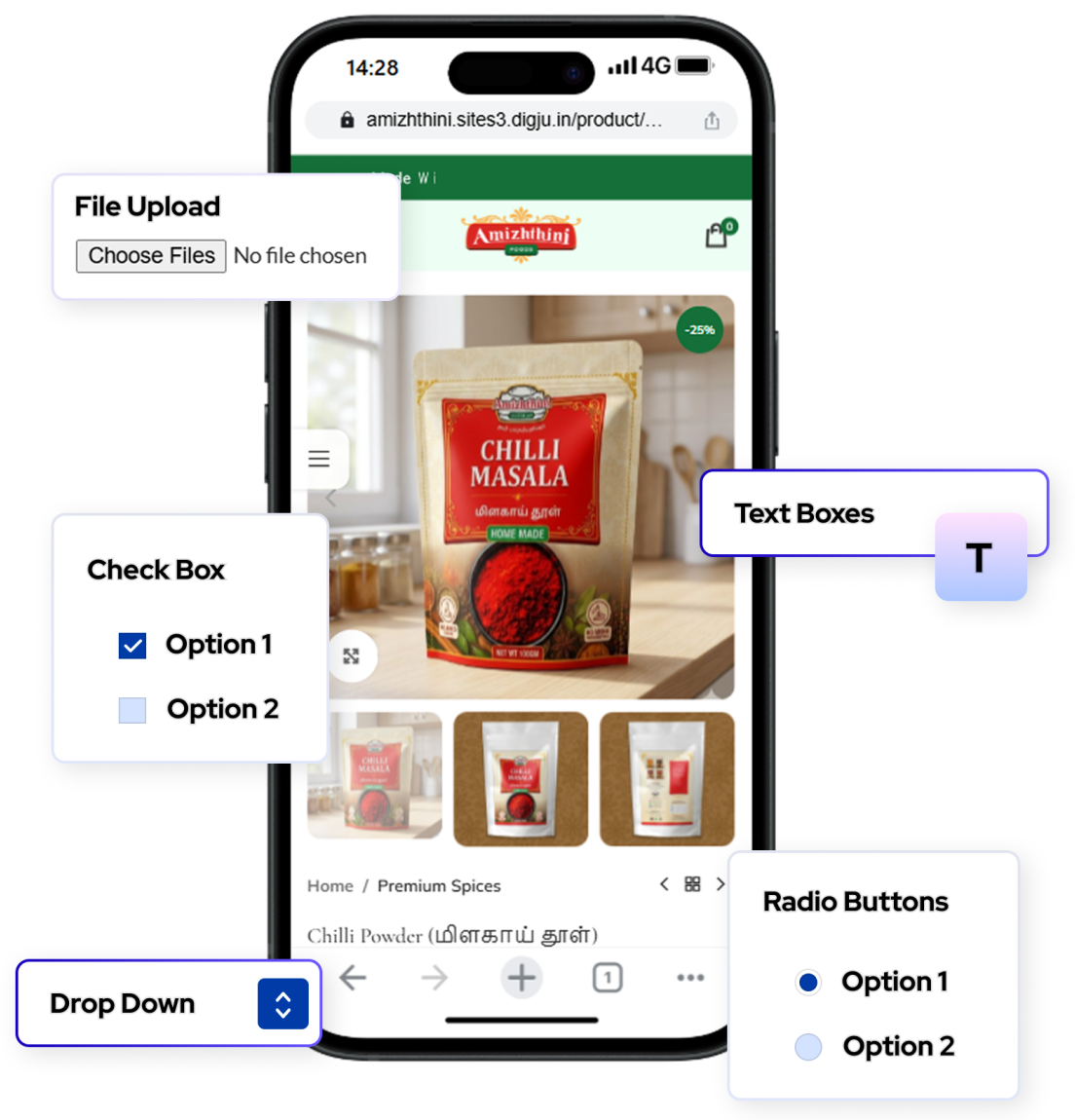
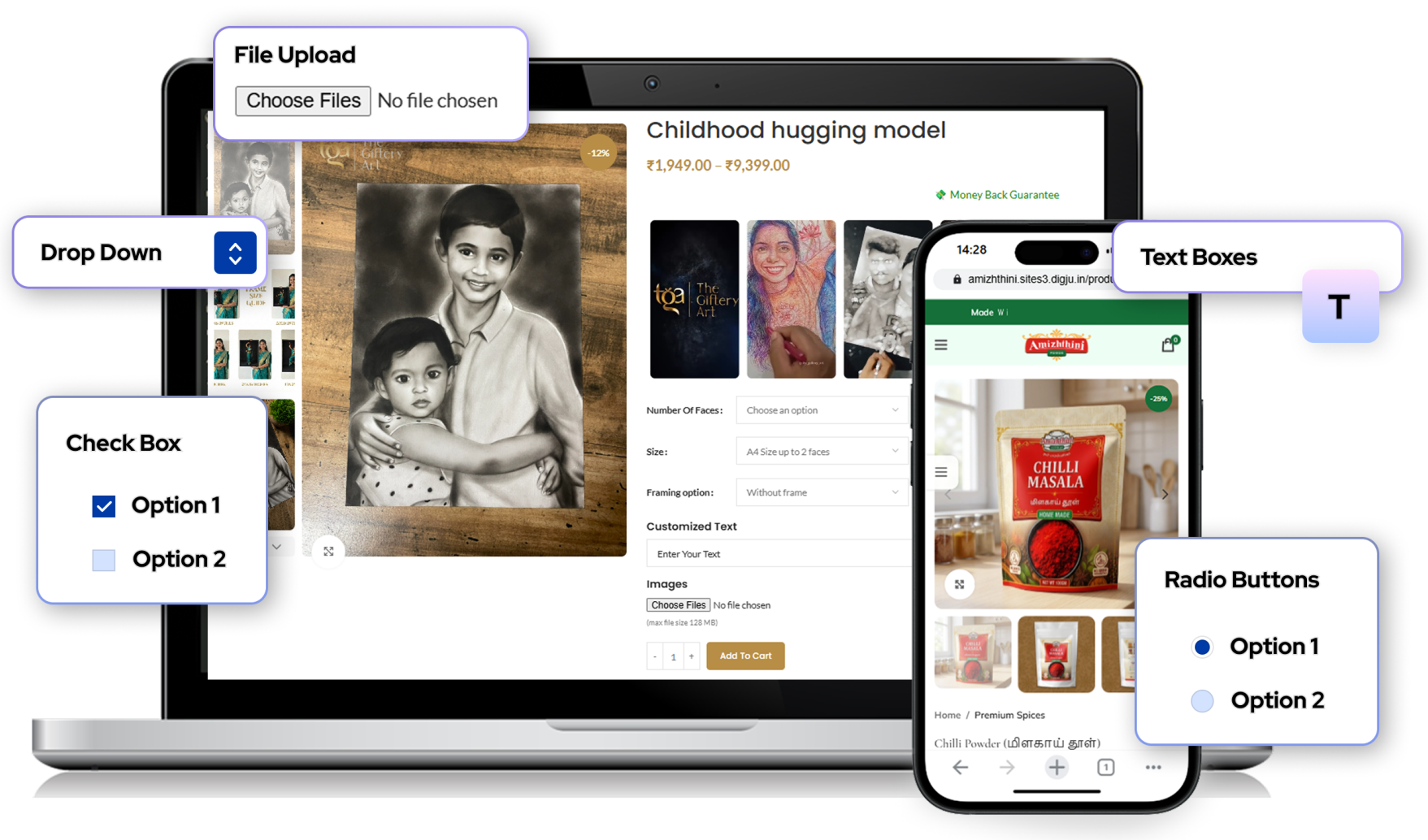
Enhance every purchase using powerful
Product Add-Ons For WooCommerce
Empower your WooCommerce store with Product Add-Ons, letting customers customize products, select extra options, and enjoy a more personalized shopping experience.
Why Use Product Add-Ons
Enable flexible product customization with add-ons, allowing customers to choose extra options, upload files, and personalize products directly before purchase.
What It Offers :
Increase product value
Improve customer experience
Flexible customization options
Essential Features
Add Custom Product Options
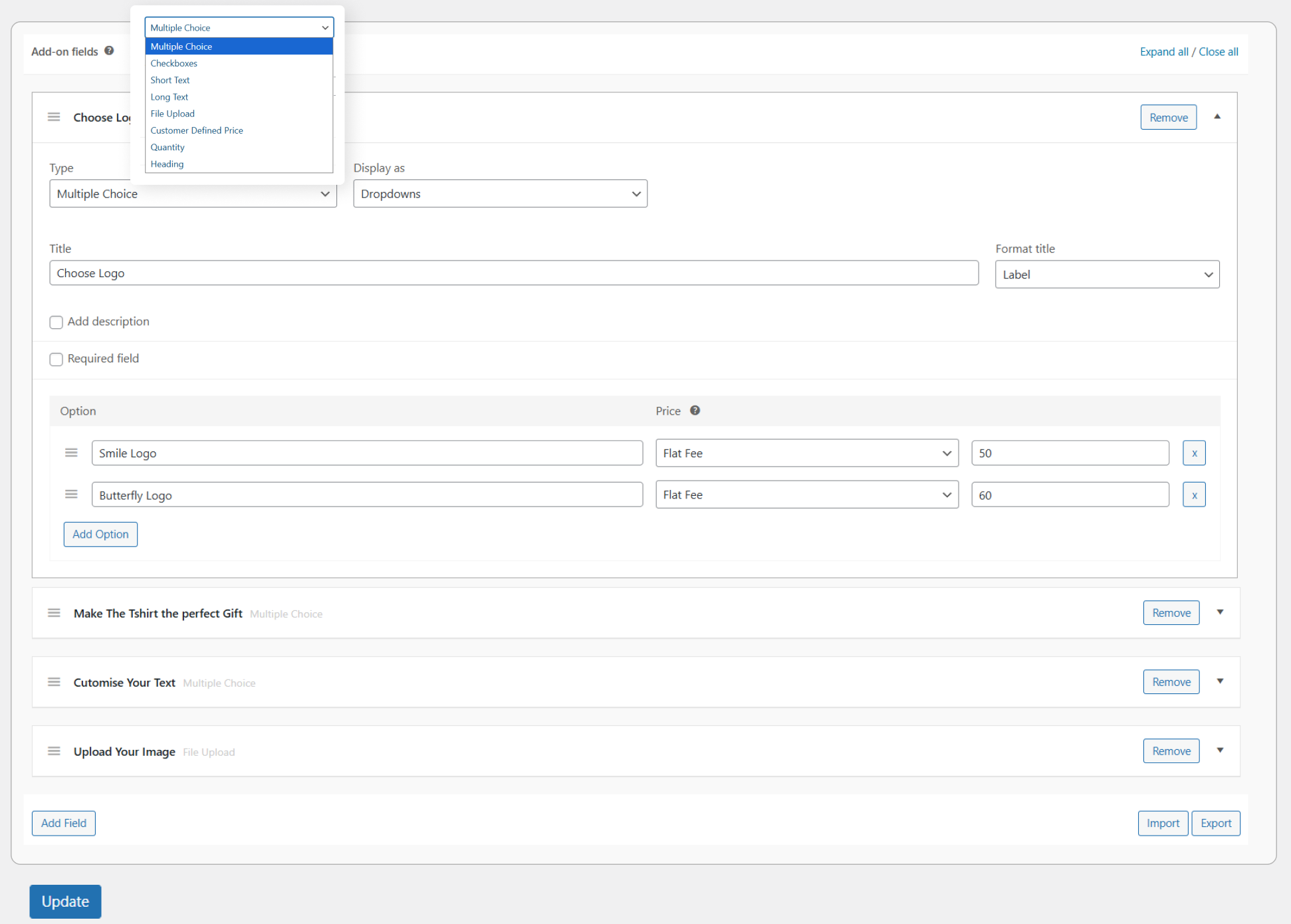
You can add extra options such as dropdowns, radio buttons, checkboxes, or text fields directly on the product page so customers can customize products before purchasing.
Flexible Pricing Options
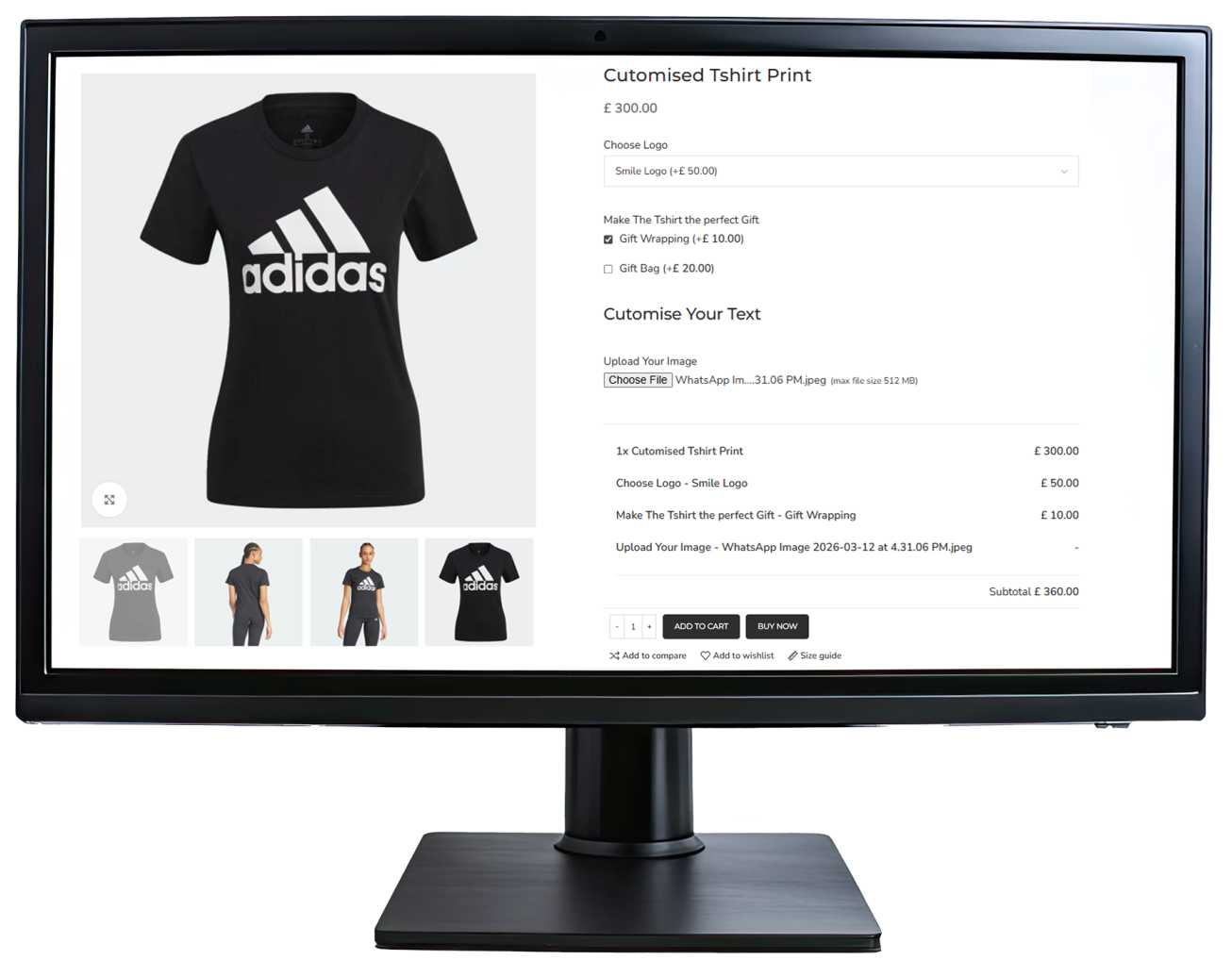
You can charge extra for add-ons using flat fees, percentage-based pricing, or dynamic pricing depending on product quantity.
Allow File Uploads
Customers can upload files like images, logos, or documents for personalized products such as printed items or custom designs.
Apply Add-Ons Globally or Per Product
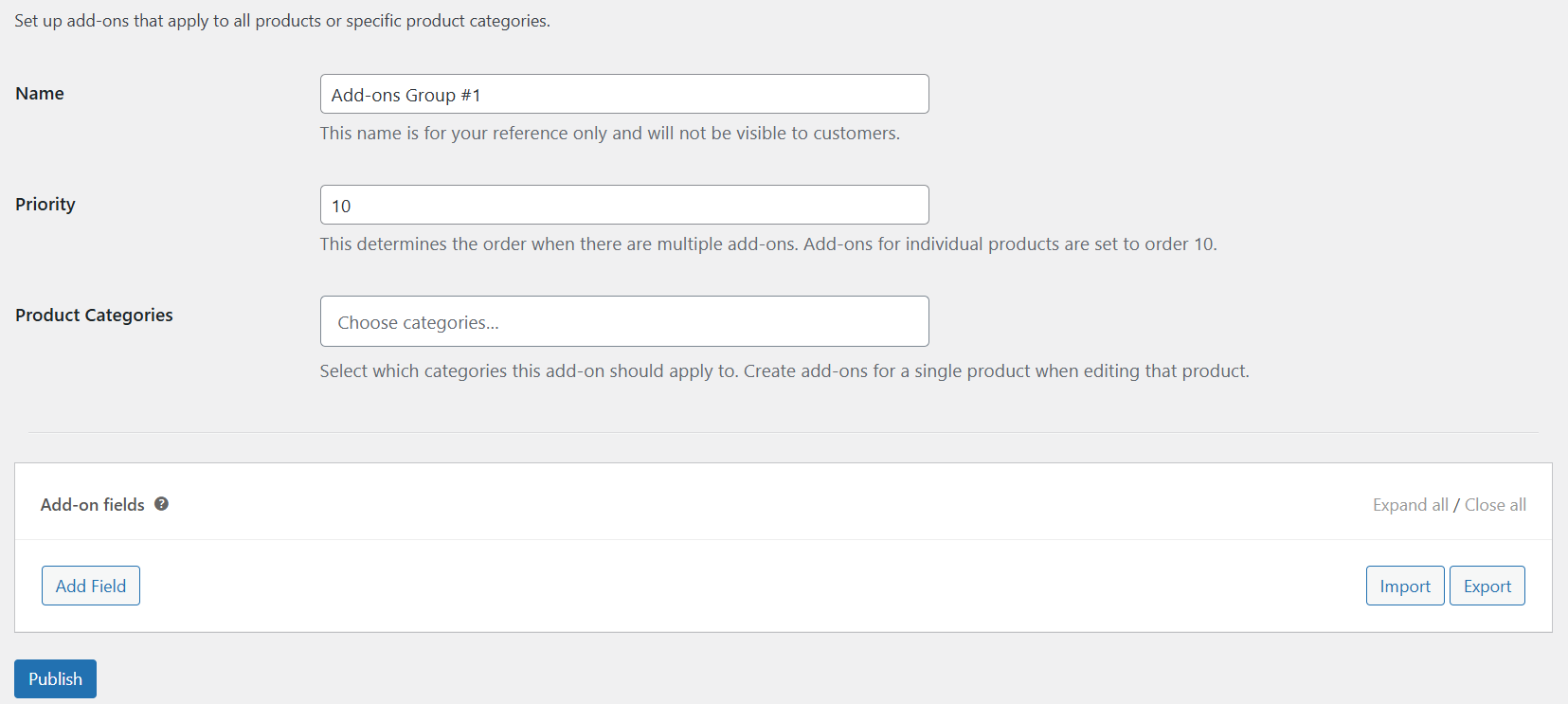
Add-ons can be applied to all products, specific categories, or only individual products, making it easier to manage customization options across the store.
Customer Input & Personalization
Customers can enter custom text, select dates, choose quantities, or even define their own price for donations or tips.
Global Add-ons
Global Add-Ons allow store owners to apply the same customization options to multiple products at once. These add-ons can be grouped and limited to specific product categories, helping manage common options across the store efficiently.
Per - Product add-ons
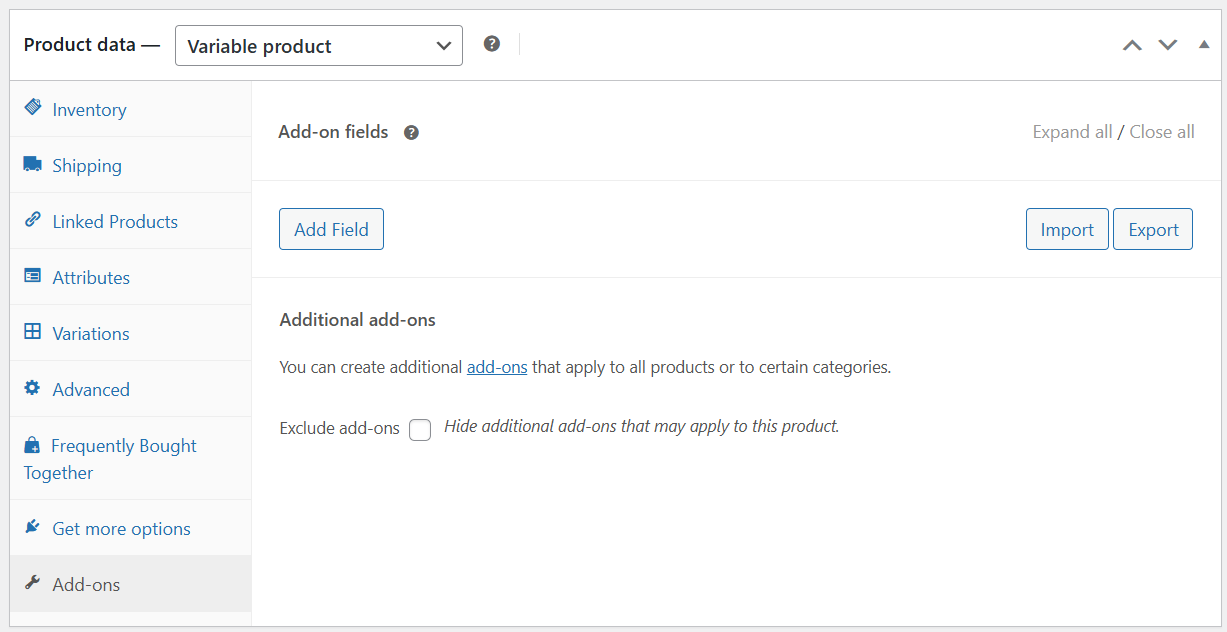
Per-Product Add-Ons allow you to add customization options to a specific product. You can create add-on fields directly in the product edit page and control which options appear only for that product.
Add-On Types
Product Add-Ons provide several field types that allow customers to customize products directly on the product page. These include multiple choice, checkboxes, short text, long text, file upload, customer defined price, quantity fields, headings, and date picker options for collecting customer selections.
Frequently Asked Question
1. What types of options can be added?
You can add different input types including dropdowns, checkboxes, radio buttons, text fields, file uploads, quantity inputs, and date pickers for product customization.
2. Can add-ons have additional pricing?
Yes. Add-ons can include extra charges using flat fees, quantity-based pricing, or percentage-based pricing depending on the selected option.
3. Can add-ons be applied to multiple products?
Yes. Add-ons can be created globally for multiple products or added individually to specific products in the store.
4. Can customers personalize products with add-ons?
Yes. Customers can enter custom text, upload files, choose options, or select dates to personalize products before completing their purchase.
5. Where do add-ons appear on the product page?
Once configured, add-on options appear on the product page above the Add to Cart button so customers can select options before purchasing.